
A few years ago I built a tiny personal tool called Obweb. Its purpose was dead simple: open a browser, type a quick thought, and append it to my Obsidian notes.
Then one day the VPS was shutdown for some reasons, I need to redeploy it on another VPS and it involve some extra boring stuff, such as rebind a sub-domain and configing on VPS. I’m too lazy for this. Obweb slowly became unmaintained since it was developed in JavaScript when I tried to pick some frontend stuff, and I hate JavaScript, luckly, I don’t need to learn it since AI is good at frontend.
I tried going back to the official Obsidian Android app one year ago, but it still felt too heavy for the thing I wanted most: fast capture. It takes too long to open, slow to respond, and I remember Termux is needed for some automatic tasks. I just don’t like it. I am clearly not the only one who feels this way, because I still randomly get emails from people asking about Obweb.
Recently I read an article about self-hosting Bitwarden with Tailscale. That reminded me that Obweb was almost made for this style of deployment. It does not need to live on a VPS. It can just run on my local dev machine, reachable from my own devices, without a public-domain, a nginx or another server to babysit.
So I rewrote it, in the vibe coding way. The new app is called Obr.
Obr is very much a tool shaped around my own workflow. But I think that is also what makes it worth writing about: small personal tools are often where the most honest product decisions happen.
The basic idea is straightforward. Obr puts a lightweight Web interface in front of an Obsidian vault, with search, capture, and editing for the parts I use most often.
Its config points at a few vault-relative paths:
vault_path = "/path/to/obsidian/vault"
daily_dir = "Daily"
entry_dir = "Posts"
image_dir = "Pics"
todo_path = "Posts/todo.md"
annotation_dir = "annotations"
Daily notes go into Daily/YYYY-MM-DD.md, Images live under Pics/. RSS annotations are just Markdown files under annotations/. Obr does not try to invent a new storage model. It stays close to the vault.
Capture comes first
The original reason for Obr was capture.
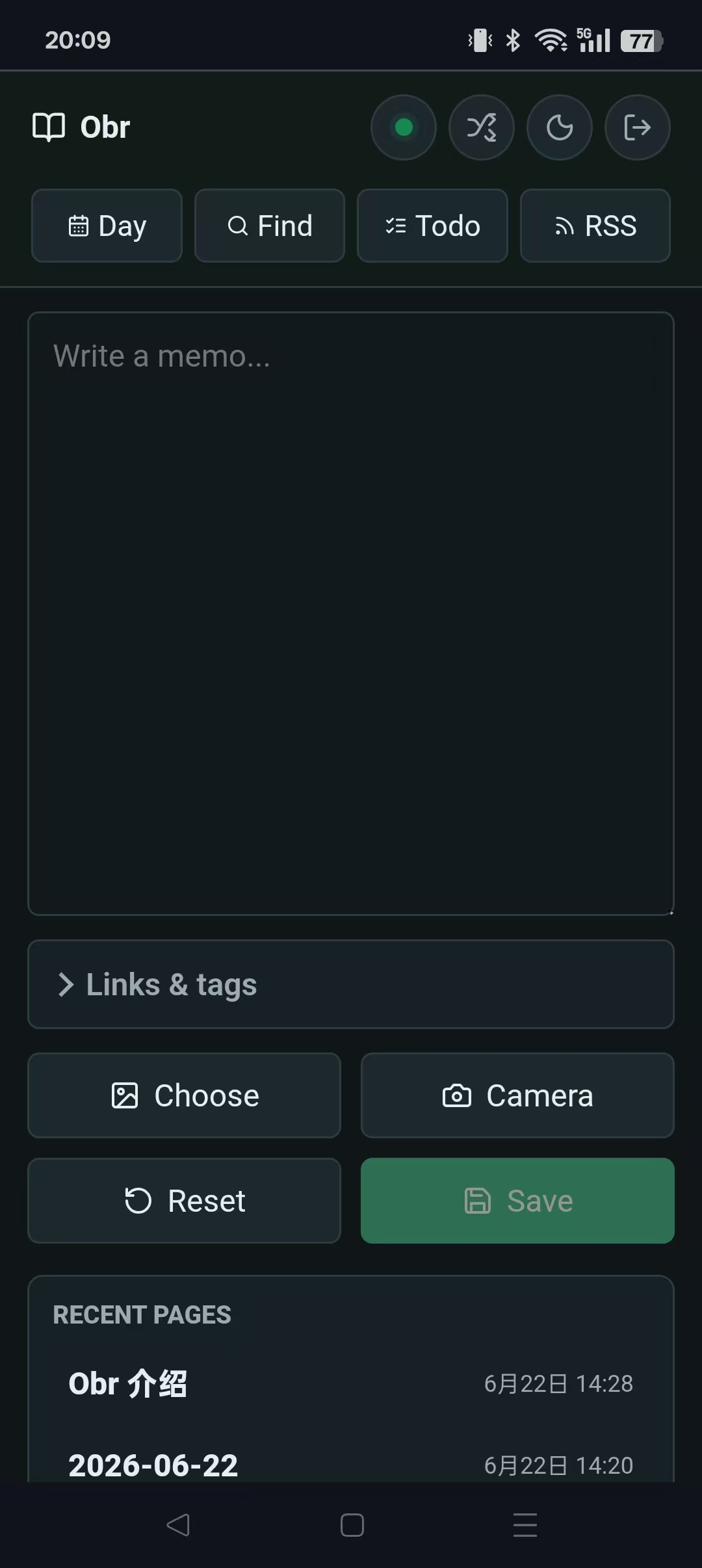
On my phone, I want to open a page, write a few lines, pick a path, optionally attach a link or image, and submit. The backend appends the content to the right Markdown file. A daily note goes into today’s file. A regular entry goes under the configured entry directory. A todo goes into the todo file. By the way, I have found Hermes is also good fit for this kind of thing with proper training.
Image uploading is the one part that needs a little more care. Uploading through Tailscale is not always fast, and mobile networks are not exactly famous for being polite. So Obr has offline drafts and a sync outbox. If a request fails, the note should not disappear. It should sit locally and retry quietly in the background.
That is the kind of feature that sounds boring until the first time it saves a paragraph you wrote on the subway.
Making it feel less like a Web page
I use Chrome’s “Add to Home screen” to put Obr on my phone as an app icon, and I allow it to keep running in the background. That alone makes the whole thing feel much closer to a small mobile app than a web page I occasionally visit.
Under the hood, Obr uses a service worker and a manifest. The shell of the app, along with its CSS and JavaScript, can be cached locally. If the phone is offline, the app can still open, and recently viewed or edited content can often be restored from local cache. Anything that needs to write to the vault goes into the sync outbox when the network is down, then retries after the connection comes back.
The UI also shows the real connection state. Obr pings the backend and updates the online/offline indicator based on actual requests. The tiny dot in the top-right corner is easy to ignore, but it answers the important question: did this reach my vault, or is it still waiting on this device.
Images lazy-load so one article with several large screenshots does not clog the whole connection pool. Reading pages have a progress bar. The RSS detail page hides the top bar while scrolling. None of these are big features by themselves, but together they make the app feel much calmer on a phone.
Editing one block at a time
Obr can render Markdown as HTML, and it can also show the raw file content. But for mobile editing, I wanted something smaller than a full editor.
Most of the time, I do not want to edit an entire article from my phone. I want to fix one sentence, delete one block, or check off one todo item. So Obr supports block-level editing. The backend splits a Markdown file into blocks, and the frontend can save or delete a single block without putting the whole document into a giant textarea.
This matters more than it sounds. Long-form editing on a phone is fragile: the cursor jumps, the keyboard covers half the screen, and suddenly you are questioning your stupid choice on editing something on a phone. Block editing keeps the task small, I am not editing a document, I am editing this paragraph.
RSS inside the vault workflow
Obweb had an RSS reader years ago, and I always missed it. Obr brings it back in a more complete form.
When RSS is enabled, Obr reads feed subscriptions from a file in the vault:
rss_enabled = true
rss_feeds_path = "Zero/feeds.md"
rss_data_dir = "data/rss"
rss_refresh_minutes = 30
rss_fetch_full_content = true
RSS metadata and read state are stored in a local SQLite database. Article bodies are cached under data/rss/content/. If full-content fetching is enabled, Obr uses rs-trafilatura to extract the page body into Markdown. If extraction fails, it falls back to the feed content or summary.
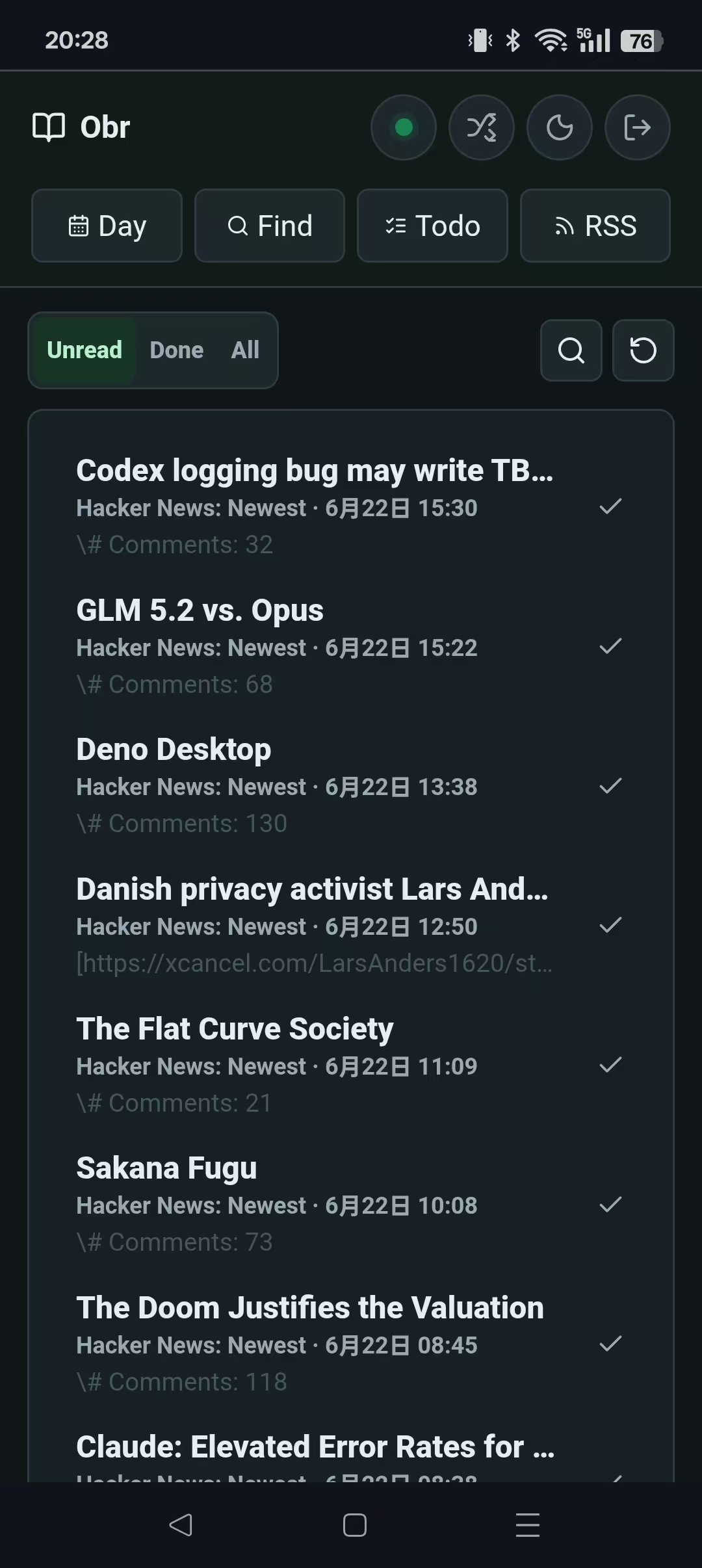
The RSS detail page also supports annotations. When I find a paragraph worth keeping, I can write a note beside it, and Obr saves that note as Markdown under annotations/.
AI summaries and translation
Once RSS was local, adding AI summaries felt like the obvious next step.
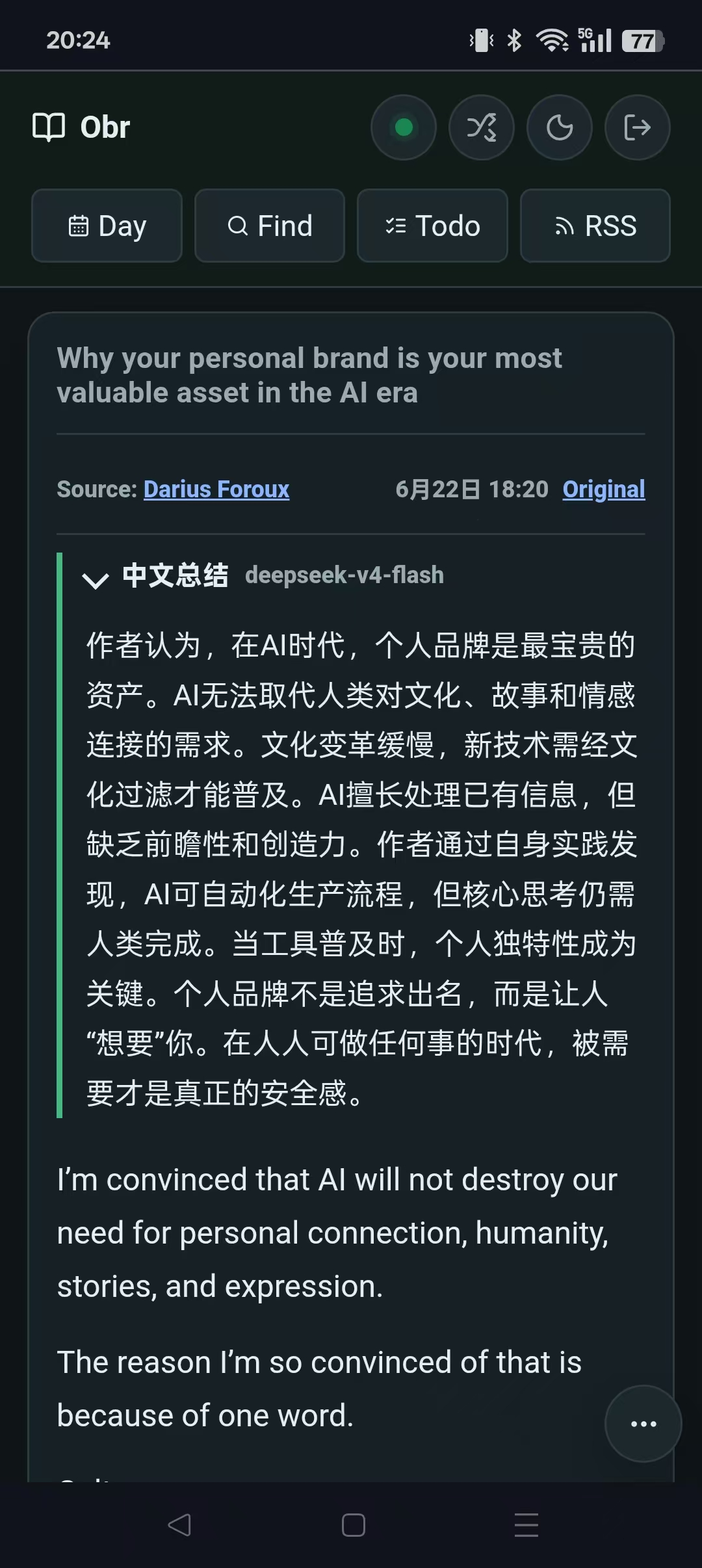
Obr can generate Chinese summaries for newly fetched non-Chinese articles. It supports DeepSeek-based summary translation, and it can also translate the full text.
rss_ai_summary_enabled = true
rss_ai_summary_chars = 200
deepseek_api_key = "sk-..."
deepseek_model = "deepseek-v4-flash"
Security has to be part of the design
Obr can read and write my Obsidian vault, so security comes first.
At the moment it supports:
- Argon2 password hashing;
- WebAuthn / Passkey login;
- secure cookies when running over HTTPS;
- Host header validation;
OriginandSec-Fetch-Sitechecks for cross-site write requests.
Obr’s init --tailscale command starts a separate userspace tailscaled, stores its state in $HOME/.local/share/tailscale-obr, and exposes the local 127.0.0.1:8010 service through a stable *.ts.net HTTPS address.
Tailscale can make the app reachable only inside my private network, which feels much better than putting it directly on the public Internet. The downside is that I need the Tailscale client and VPN running on my phone, and that conflicts with the VPN I normally use daily. So I do not always run Obr this way. Tailscale handles the secure device-to-device tunnel; Obr still handles login and authorization. Passkeys are a good fit for that on mobile.
A few implementation notes
The backend is Rust + Axum. The frontend is plain HTML, CSS, and JavaScript, no 3rd party frontend library, no npm. I hate npm.
Right now the project has about 15 Rust files, around 14,000 lines under src/ including test files, and 7 frontend asset files.
Most of my Mac development still happens with codex/gpt5.5, but a lot of Obr was built with hermes.
The workflow is strange in a good way: I notice something annoying while using the app, send a voice message to Hermes, wait a few minutes, and then double check it after the AI agent restarts the service automatically.
That may be the most interesting part of the project for me. Obr was not designed in a big upfront pass. It was shaped while I was using it, one small irritation at a time.